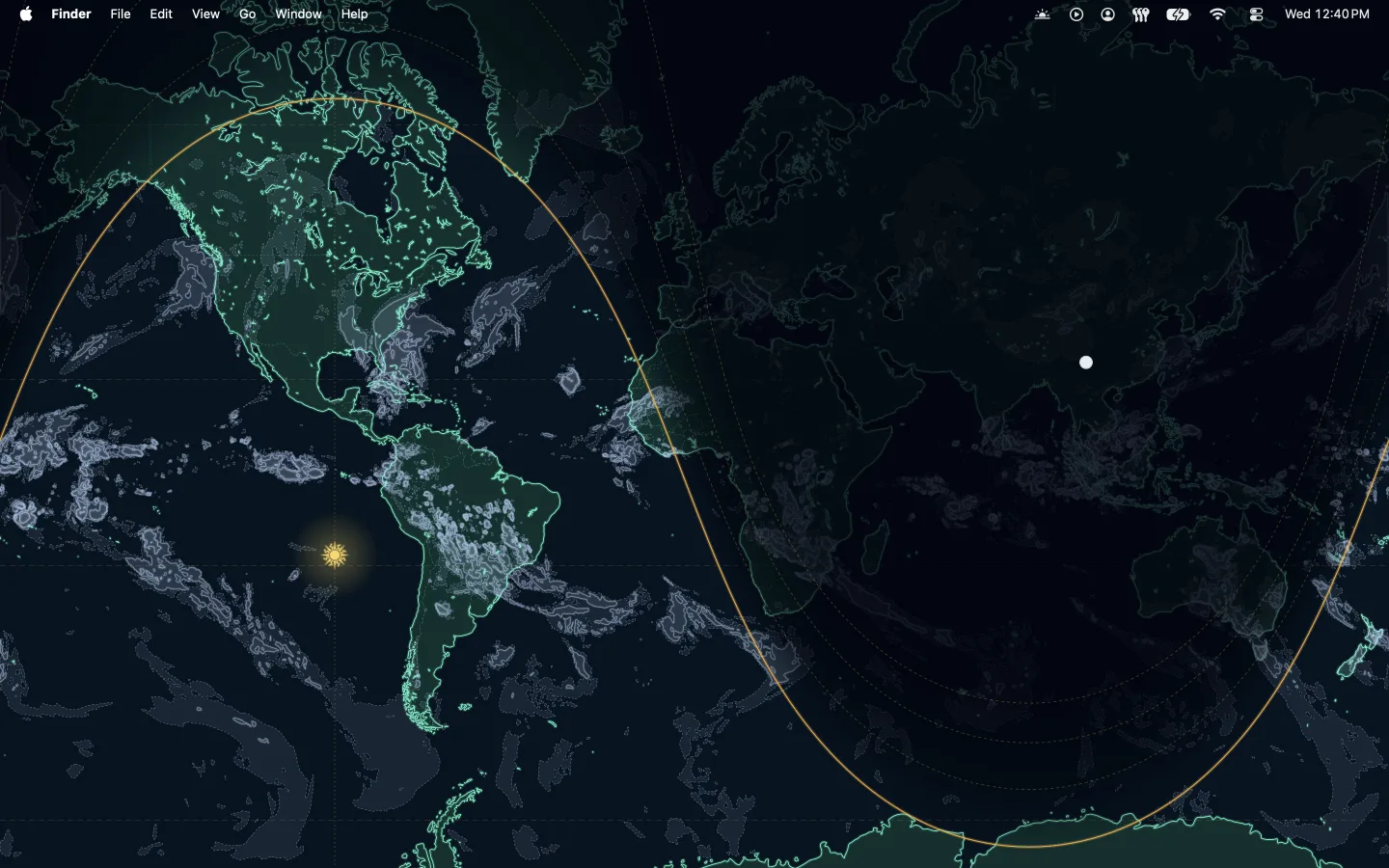
Solpaper is a live macOS wallpaper of the real sky from where you are: the sun’s colors by day, then the stars, planets and the moon in its true phase at night. Or, if you prefer, a mission control map of the world, with day, night and twilight drawn live. This page explains how to get help with it, and what it does with your data.
Getting help
Send questions, bug reports or ideas with the form below. I read every message.
It helps to include:
- The Solpaper version and build number, from Settings › About
- Your macOS version, from Apple menu › About This Mac
- What you expected to see and what you saw instead
- A screenshot, or the sky saved with Save Snapshot… from the menu bar, if something looks wrong
Please leave out your location unless the problem depends on it. If it does, the nearest town is plenty.
Send a message
Common questions
The sky is for the wrong place. Solpaper uses your Mac’s location only if you allow it. Check that Use Current Location is on in Solpaper’s menu, and that Solpaper is allowed in System Settings › Privacy & Security › Location Services. Without location access, it uses the latitude and longitude set in Settings › Location, which start at Cupertino.
The clouds on the map are a few hours old. The cloud layer comes from NOAA’s hourly mosaic of weather satellite images, which is published two to three hours after the images are taken.
The sky isn’t changing. If the menu offers Use Real Time, the sky is frozen at a chosen moment; choose it to return to now. Solpaper also pauses while your displays are asleep or the screen is locked, and catches up as soon as you’re back.
Privacy policy
Effective November 25, 2026
Solpaper does not collect, store or share any personal data. There are no accounts, ads, analytics or tracking, and nothing is ever sent to me.
Location. If you allow it, macOS Location Services gives Solpaper your position; otherwise it uses the coordinates you enter in Settings. Your position stays on your Mac, where it is used to work out where the sun, moon, planets and stars are. Solpaper remembers the last position so it starts in the right place next time.
Place name. To show the name of your town in the menu and in Settings, Solpaper asks Apple’s reverse geocoding service, which sends your coordinates to Apple. Apple handles that request under the Apple Privacy Policy.
Cloud cover. Only while the map’s cloud layer is turned on, Solpaper downloads NOAA’s latest satellite image of the whole earth from nowCOAST about once an hour. The request is the same for everyone and contains nothing about you or your location.
Files. Your settings and the most recent cloud image are kept in Solpaper’s sandboxed container on your Mac. Snapshots are saved only where you choose.
Support messages. If you write to me with the form on this page, I use your address and message only to reply to you, and never share them. The form’s messages are delivered through Cloudflare, and Cloudflare Turnstile checks that a person, not a bot, is sending them.
Links. Links in Settings open in your web browser, where the sites you visit have their own privacy policies.
If this policy changes, the new version will be posted on this page with a new effective date. Questions about privacy are welcome through the same form as support.